How to Charge Your Phone and Stay in Touch During an Outage
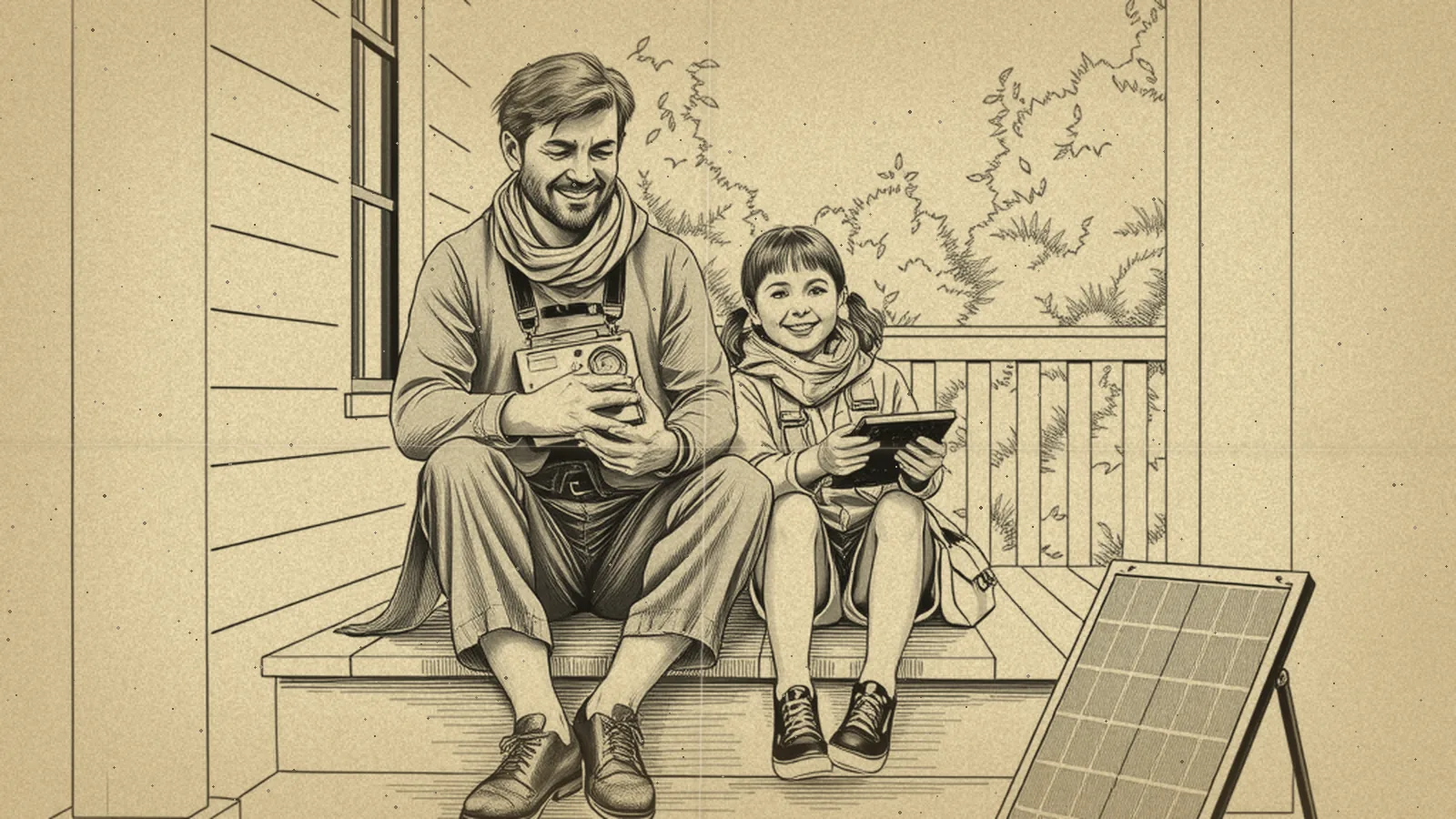
To charge your phone without power, use a charged power bank first, then a car charger with the car running outdoors, a portable power station, or a small solar panel in daylight. To stay in touch, text instead of call, turn on low-power mode, and keep a battery or hand-crank radio for official news. A simple communication plan with your household makes all of this easier.
Phones are often the lifeline in an outage, which is why staying connected is a key part of our Power Outages section. Your phone may keep working for a long time if you plan ahead, and you have backups if it does not.
Charging options, from easiest to most involved
| Option | How it works | Tips |
|---|---|---|
| Power bank | A pocket battery you charge ahead of time | Keep one per person charged; recharge them every few months |
| Car charger | Plugs into the car's power outlet | Run the car outdoors only, never in a garage, even with the door open |
| Portable power station | A larger rechargeable battery with outlets and USB ports | Safe indoors; can charge many phones and a laptop |
| Small solar panel | Charges a phone or power bank in sunlight | Slow in clouds; charge a power bank by day, the phone at night |
| Hand-crank radio with USB port | Cranking makes a small charge | Good for a few minutes of emergency use, tiring for a full charge |
| Generator | Charges devices through outlets | Outdoors only, at least 20 feet from windows, doors and vents |
Running a car or generator creates carbon monoxide. Keep both outdoors and away from openings, and have battery-operated or battery-backup CO alarms in your home. Our generator safety guide explains the details.
Make your battery last
When the power goes out, start saving battery right away rather than waiting until you are low.
- Turn on low-power or battery-saver mode.
- Lower screen brightness and shorten the screen timeout.
- Close apps you are not using, and turn off background refresh and location for apps that do not need them.
- Turn off wireless features you are not using.
- If signal is weak, your phone works harder to find it. Consider airplane mode between check-ins, then turn it off at set times.
- Skip video and games. Download any maps or documents you need while you still have a good connection.
- Keep the phone warm in winter, such as in an inside pocket. Cold drains batteries faster.
A simple routine for a family: each adult keeps their phone on battery-saver, and the household agrees to check messages at the top of every few hours instead of constantly.
Text first, call second
During emergencies, networks get crowded. Texts are small and often get through when calls fail. They also use less battery.
- Send short texts: "We're OK. Power out. At home. Will check again at 6."
- Use social media or group messages to update many people at once, if those services are working.
- Save voice calls for emergencies.
- Call 911 for emergencies. In many areas you can also text 911, but calling is best when you can; check what your local area supports.
Landlines and internet service
Older copper landlines sometimes kept working in outages, but many home phone services today run through internet equipment that needs power. If your home phone runs through a modem or router, it may stop when the power does unless that equipment has a battery backup. Ask your provider how your service works and whether a backup battery is available. A small portable power station can keep a modem and router running for a while.
Getting news and alerts
- Wireless Emergency Alerts are sent to phones by authorized officials, such as warnings about severe weather or evacuations. Keep alerts turned on in your phone's settings.
- NOAA Weather Radio broadcasts National Weather Service warnings 24 hours a day. A battery-powered or hand-crank model, ideally one that receives NOAA Weather Radio, keeps working even if cell service does not.
- Local AM/FM radio often carries emergency updates and information about shelters, cooling centers and warming centers.
Follow instructions from local emergency officials, and get updates from official sources rather than rumors passed along in group chats.
Make a communication plan
A plan means everyone knows what to do even if phones go quiet.
- Out-of-area contact: choose a relative or friend in another region. Local lines may be busy while long-distance texts get through, so everyone checks in with that person.
- Wallet cards: write key numbers on a card for each person. Many people do not know any phone numbers by heart.
- Meeting places: pick one spot near home and one outside your neighborhood.
- Kids: make sure children know the plan and carry a card with numbers.
- Neighbors: agree on a simple signal or check-in time, especially for people who live alone.
Our guide to building an emergency communication plan walks through each step and includes a template you can fill in.
Getting ready before an outage
Our power outage preparation checklist covers the full list of supplies; for communication, these are the core pieces:
- One charged power bank per person, plus charging cables
- A car charger kept in the glove box
- A battery-powered or hand-crank radio with spare batteries
- Printed phone numbers and a paper map
- Offline maps and important documents saved to your phone
When the lights do go out, our step-by-step guide on what to do during a power outage explains the first-hour checklist, including when to report the outage to your utility.
Spare electronics
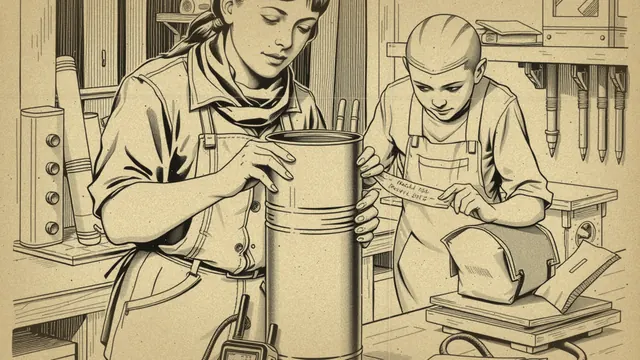
Some people keep a spare radio, an old phone with offline maps, and a charged power bank in a closed metal container as a backup. Our Faraday cage guide explains how to do that and what it can and cannot protect.
People who need extra planning
- Deaf or hard of hearing household members: consider alert devices with strobe lights or vibration, and make sure text alerts are on.
- Blind or low-vision household members: practice using screen readers and voice controls in battery-saver mode, and keep a radio they know how to use.
- Older relatives: set up a simple check-in plan with a neighbor, and label chargers clearly.
- People who rely on medical alert systems: ask the provider how the system works without home power.
Your communication checklist for today
- Charge every power bank in the house.
- Turn on emergency alerts in your phone settings.
- Write wallet cards with three key phone numbers.
- Choose your out-of-area contact and text them about it.
- Download offline maps for your area.
- Put a car charger in your glove box.
Want a guided preparedness plan?
Some people like the structure of a paid guide. This button opens a third-party survival or preparedness program from one of our advertising partners. Its claims are its own, not ours, so weigh them against our red flags checklist.
See the partner program →We may be paid when you click. The program shown can change. Read its terms before you buy anything. How this works
Frequently asked questions
How can I charge my phone when the power is out?
Use a charged power bank first, then a car charger while the car runs outdoors, a portable power station, or a small solar panel in daylight. Hand-crank radios with a charging port can add a small amount of charge in a pinch.
Why should I text instead of call during an emergency?
Text messages use less network capacity and battery than calls, and they often get through when networks are busy. Keep messages short and save calls for emergencies.
Will my cell phone still get emergency alerts during an outage?
Wireless Emergency Alerts are sent to phones by authorized officials and can reach phones connected to working cell towers, but towers can lose power or be damaged in a long outage. A battery-powered or hand-crank radio, ideally a NOAA Weather Radio, is a good backup.